Clips with Medal
Medal is free clipping software used by over 20 million gamers every month. It records your game in the background: press F8 and the last seconds are a clip.
Medal is a separate app, and NightCoop runs without it. Installing through our link supports NightCoop.
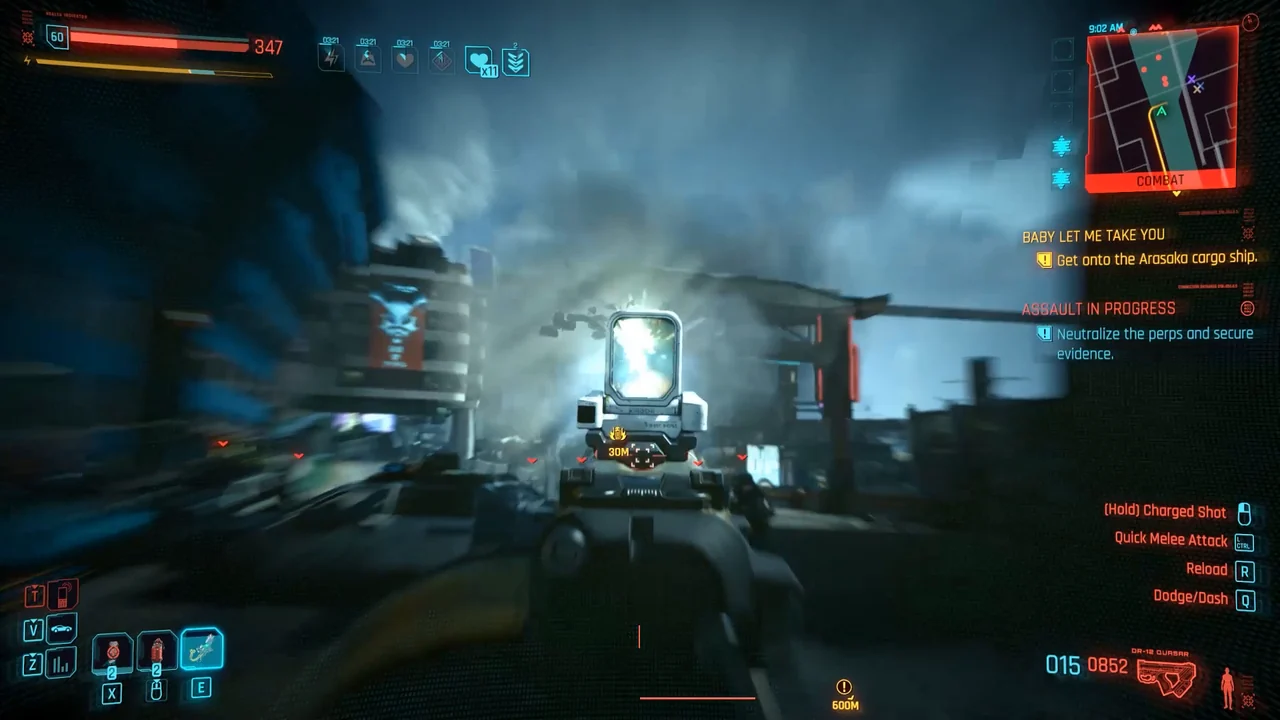 F8 · Clip saved
- 20M+
- gamers use Medal every month
- F8
- one key: the last seconds become a clip
- $0
- Medal is free
A clip in four steps
- Get MedalIt is free: download it here.
- Play NightCoopMedal usually finds Cyberpunk 2077 on its own. If not, add the game in Medal by hand.
- Press F8Right after the moment: the last seconds are saved as a clip. The key and the clip length can be changed in Medal’s settings.
- Trim and shareTrim the clip in Medal and share it with the #nightcoop tag.
Clips from the community
Players post their NightCoop moments on Medal with the #nightcoop tag: fights, fails and story scenes played together.
Watch on MedalBig moments save themselves
In a co-op session, with Medal running on the same PC, NightCoop tells Medal about a big moment and the clip is saved without a key press.
Medal saves each player’s clips on their own PC, with the session tags: NightCoop, co-op, host or guest, the number of players. To turn auto clips off: the co-op menu, Extra settings… → Medal auto-clips.
- FightsBoss defeatedClip saved
- FightsCyberpsycho downClip saved
- FightsMaxTac squad wiped outClip saved
- FightsSandevistan spreeClip saved
- FightsGrenade shot out of the airClip saved
- Co-opClutch while your team is downClip saved
- Co-opRevenge on the enemy who downed youClip saved
- Co-opTeammate revived in a fightClip saved
- Co-opPvP duel wonClip saved
- Co-opEscape from the policeClip saved
A clip starts before the moment and ends a few seconds after it. Moments close together become one clip.